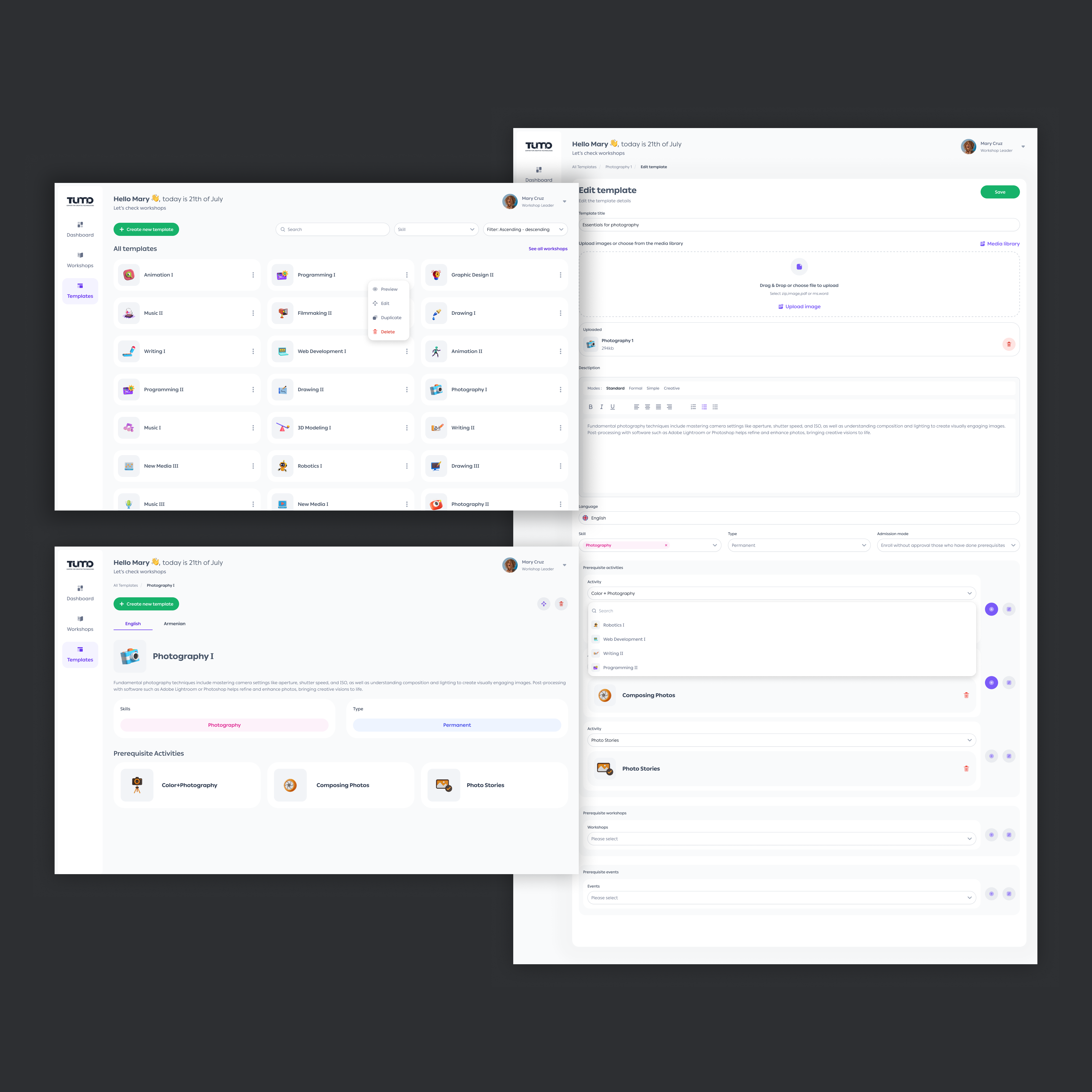
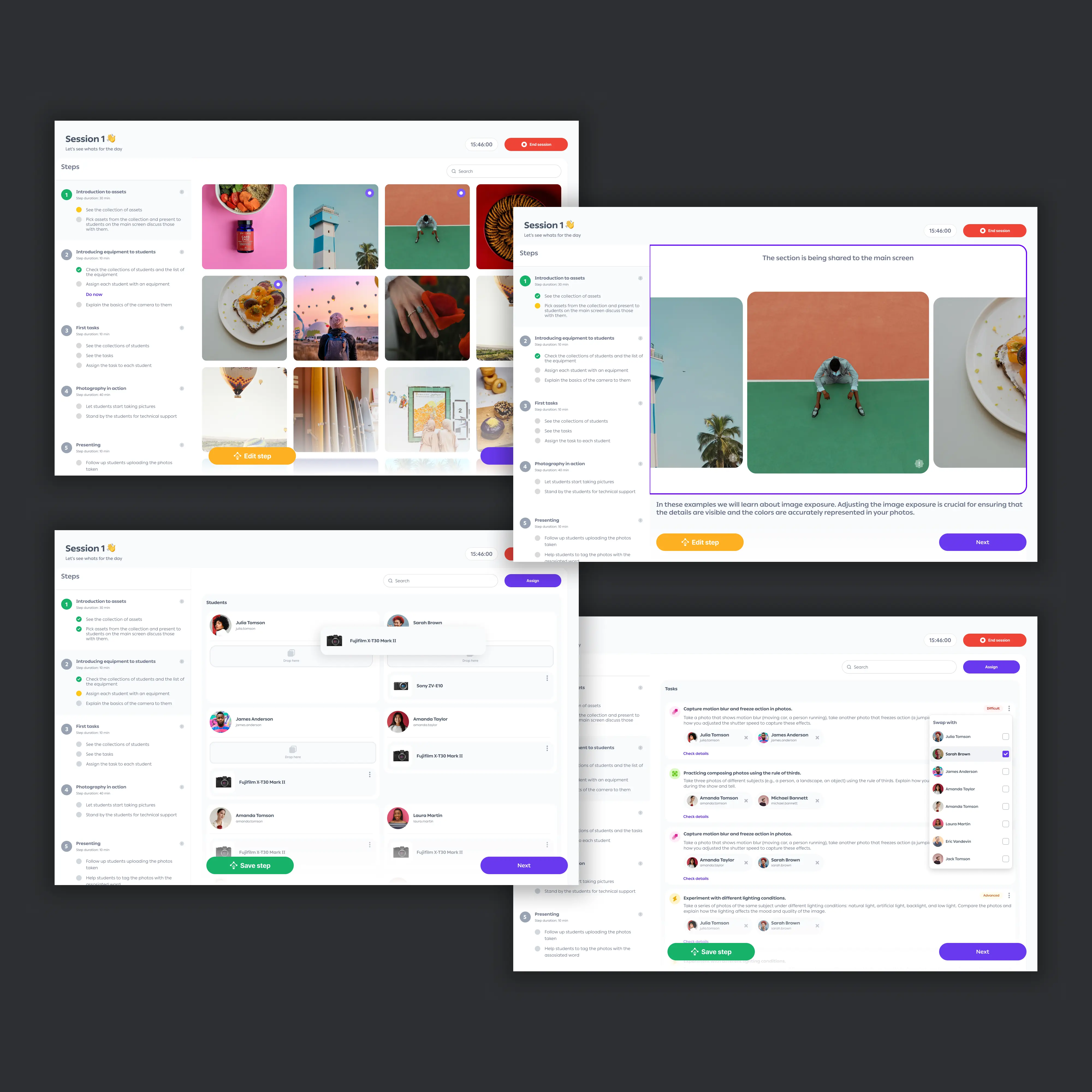
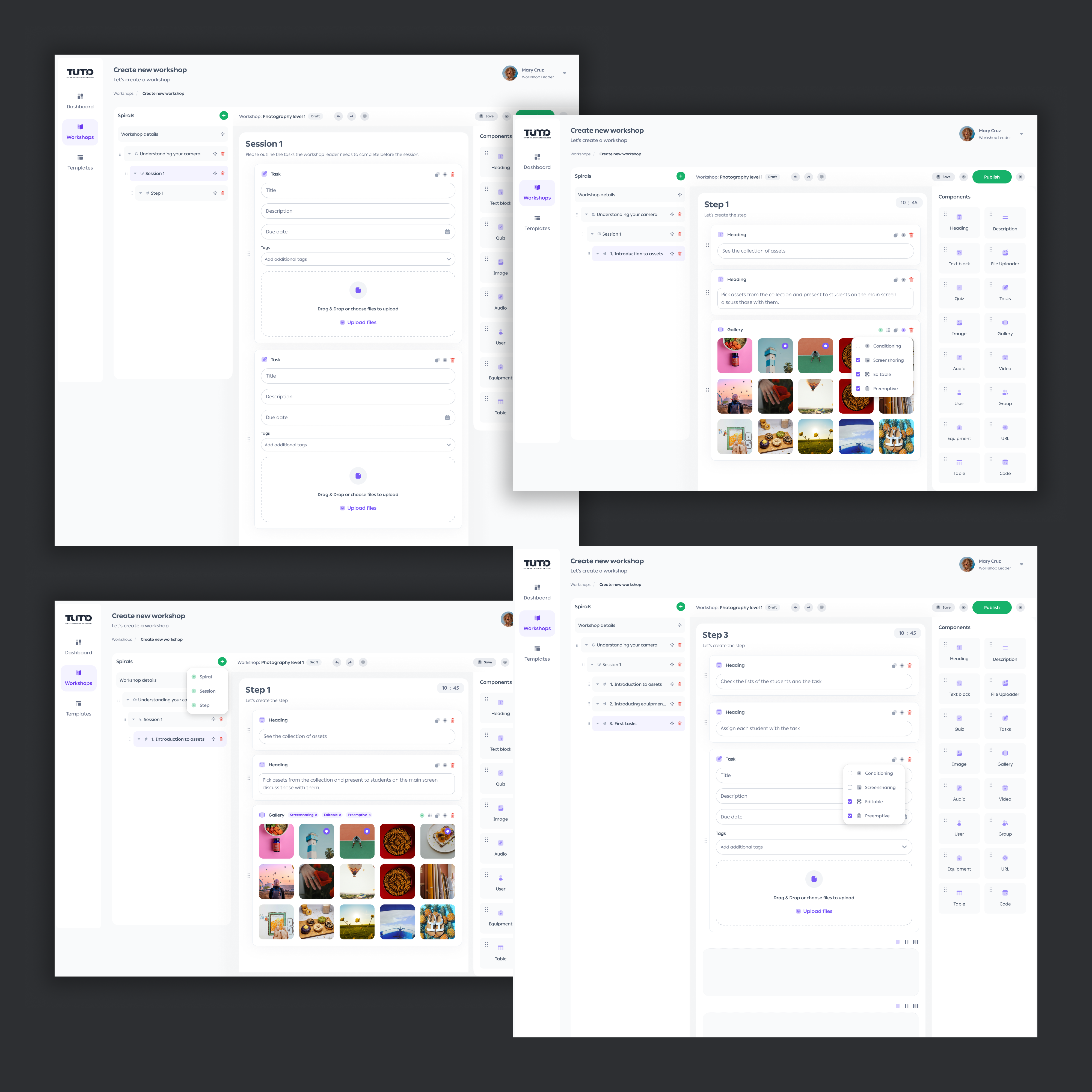
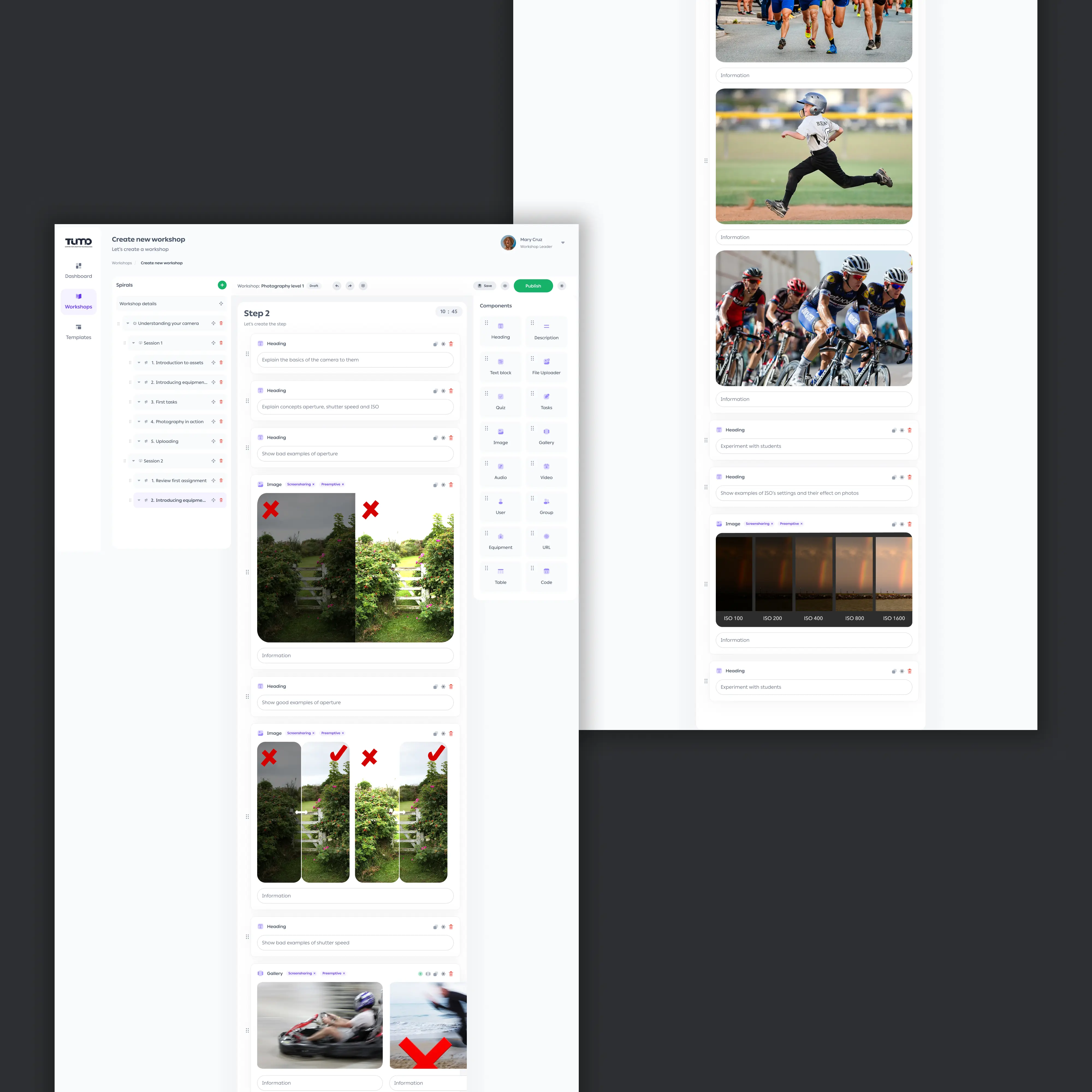
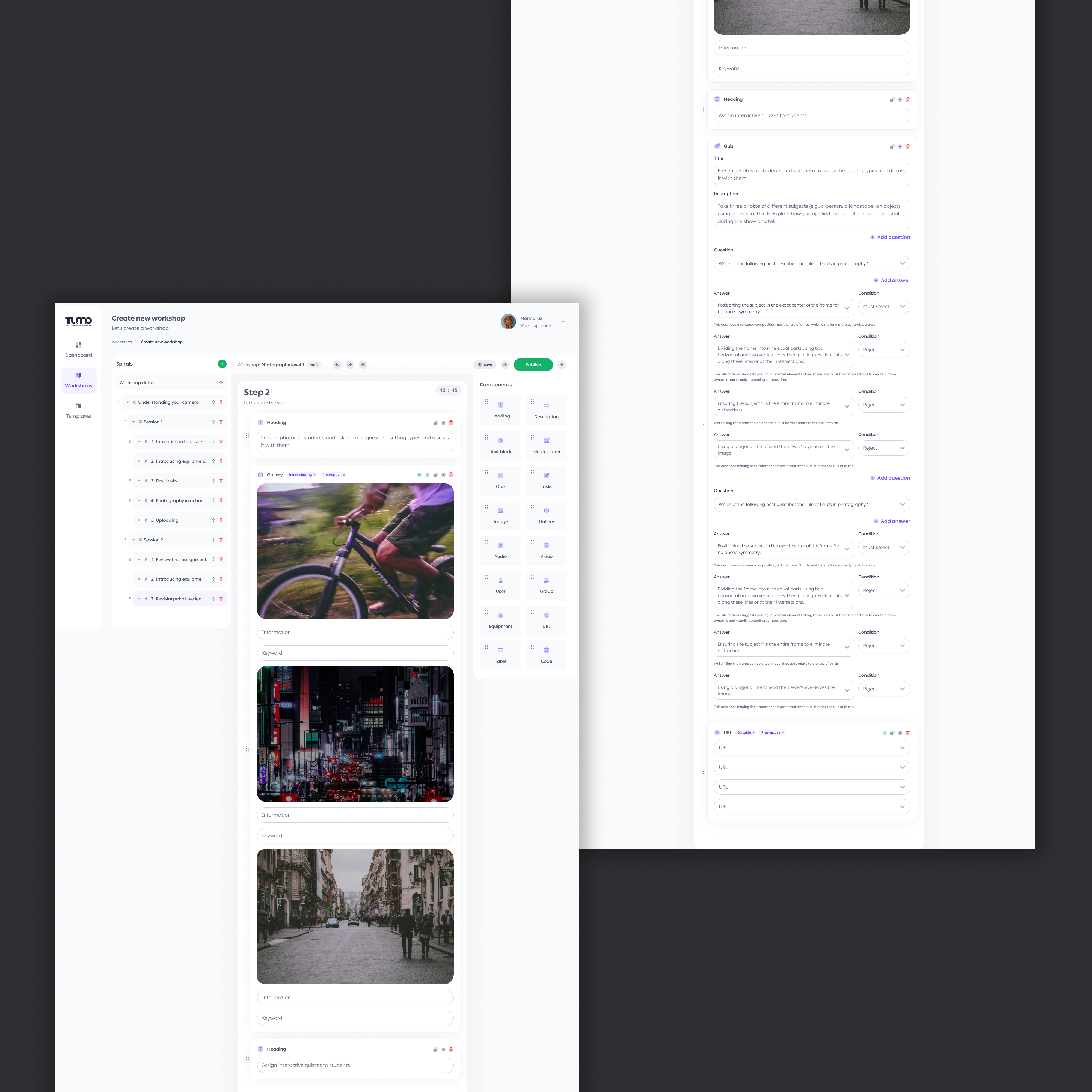
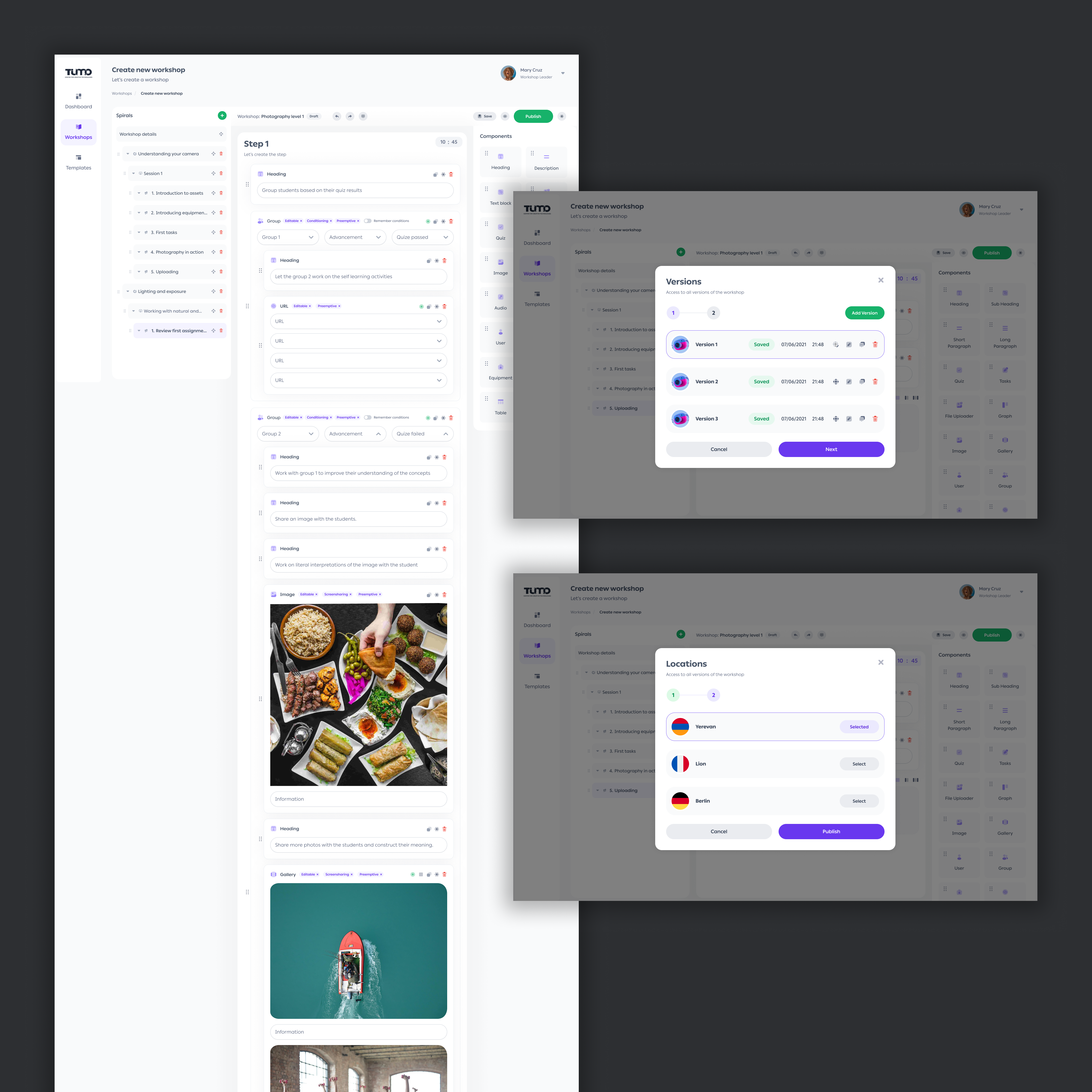
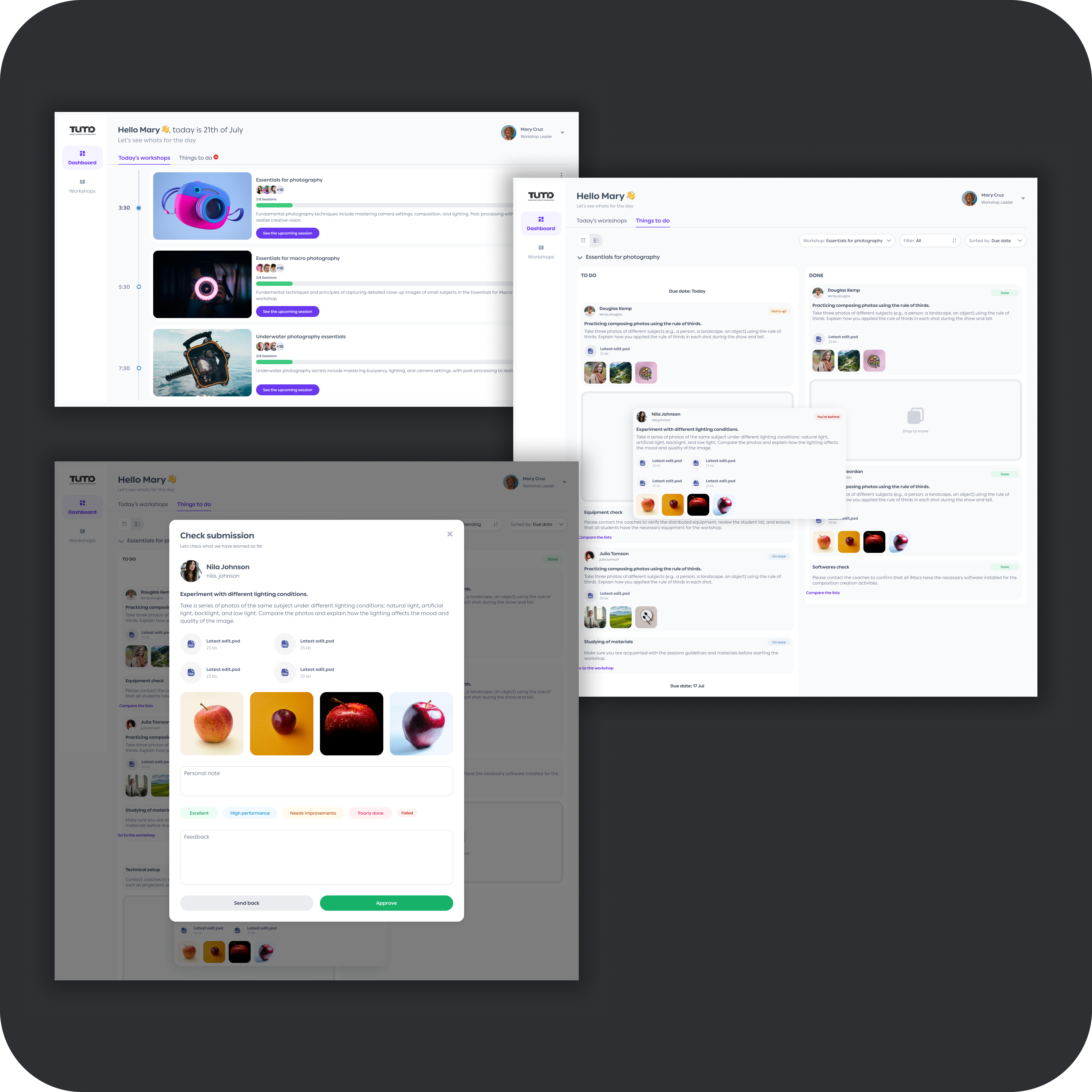
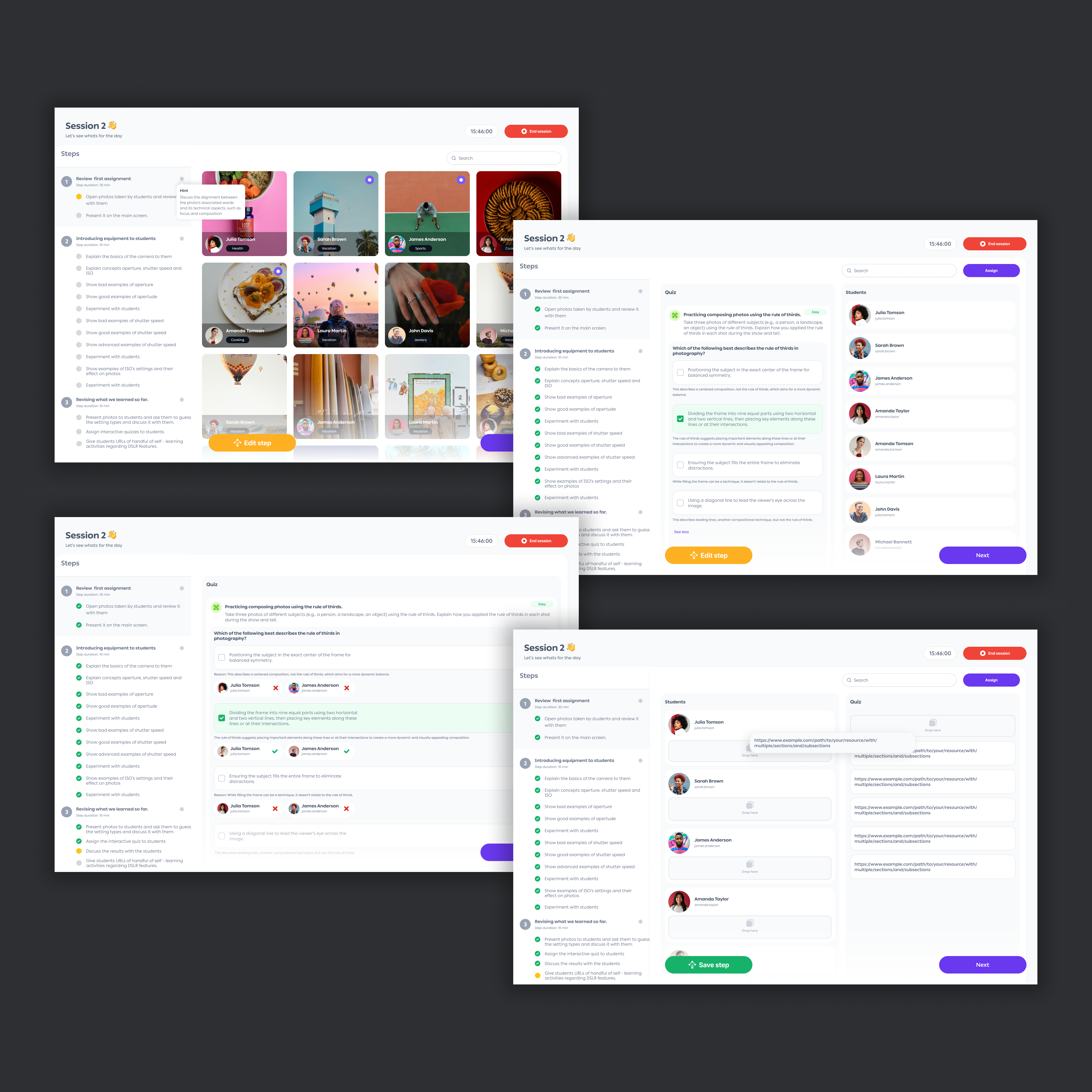
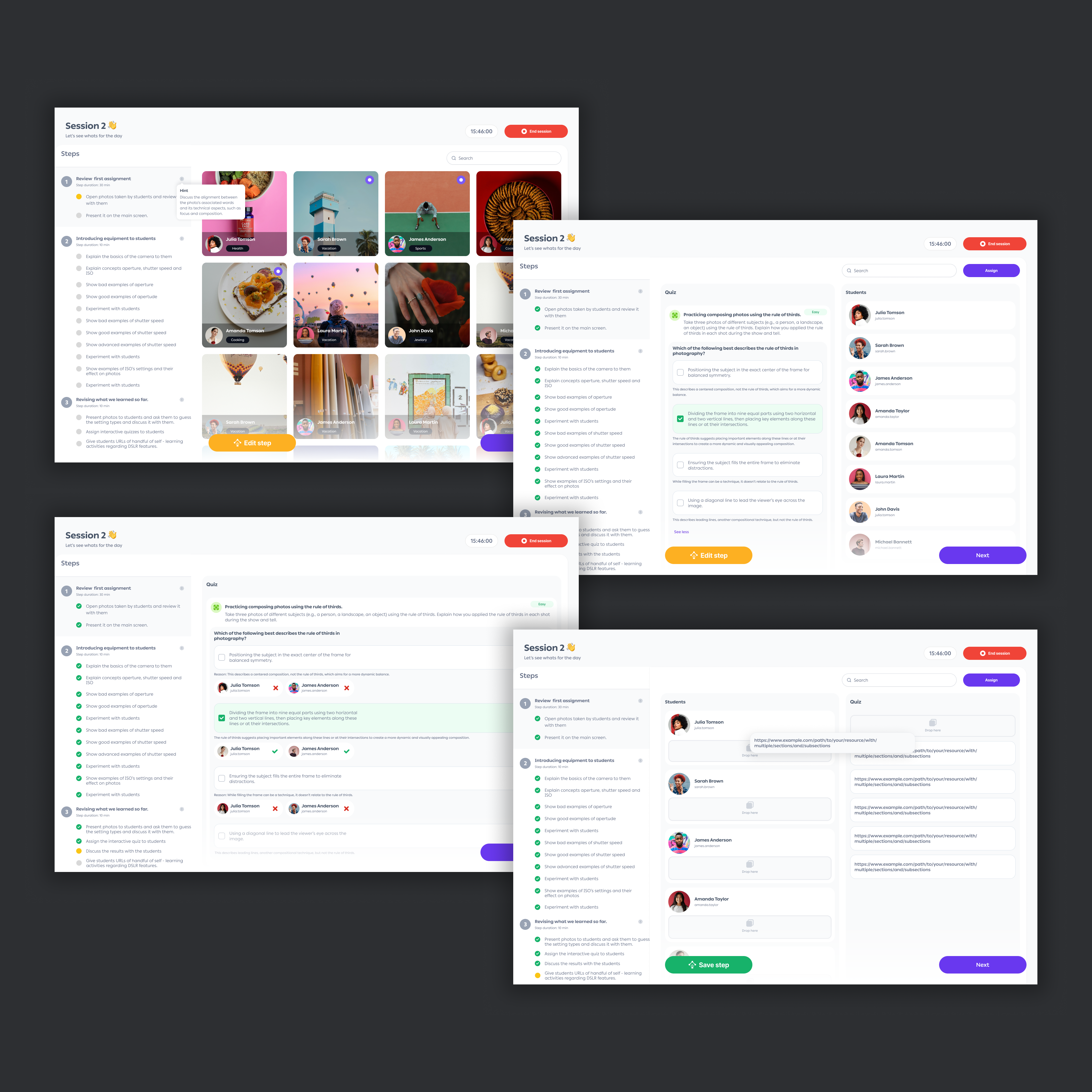
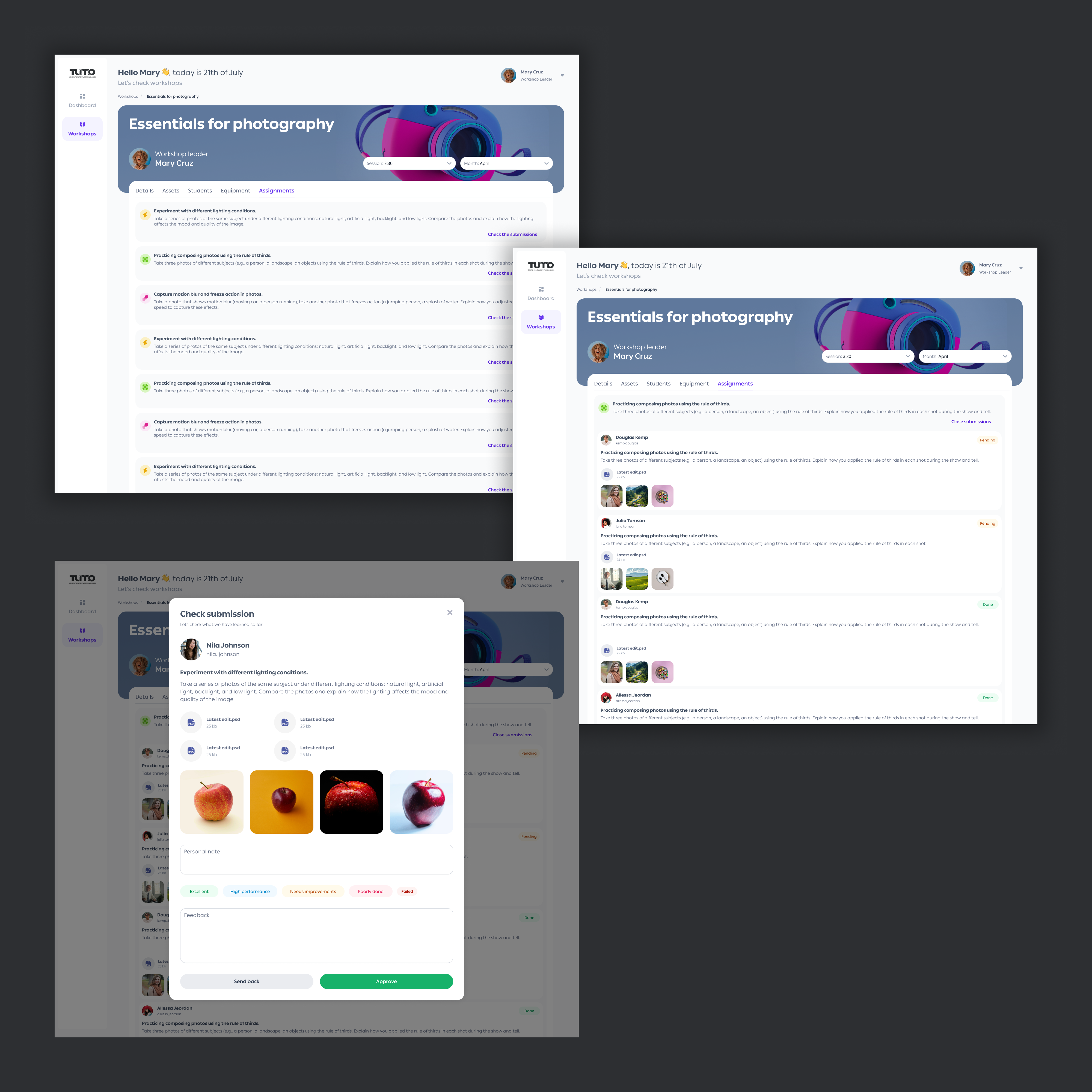
Workshop 2.0
Moving workshop delivery off spreadsheets and messaging apps and onto a platform that scales to more than 20,000 students across multiple campuses.
| Company | TUMO Center for Creative Technologies |
| Product | Workshop 2.0, a workshop management platform |
| Users | 20,000+ students · 100+ workshop leaders · 7+ campuses |
| Team | Solo designer, full product lifecycle |
| Duration | 2022–2023 |
| My Role | Discovery · Research · IA · UX Strategy · Design System · Delivery |
| Key Decision | Separate interfaces for Workshop Designer and Workshop Leader |
| Outcome | Architecture approved by leadership · Platform handed to engineering |
Workshop delivery ran on spreadsheets, Drive, and messaging apps. Curriculum consistency was unenforceable. Leaders spent 15–30 min per session on manual prep and file troubleshooting, before any teaching began.
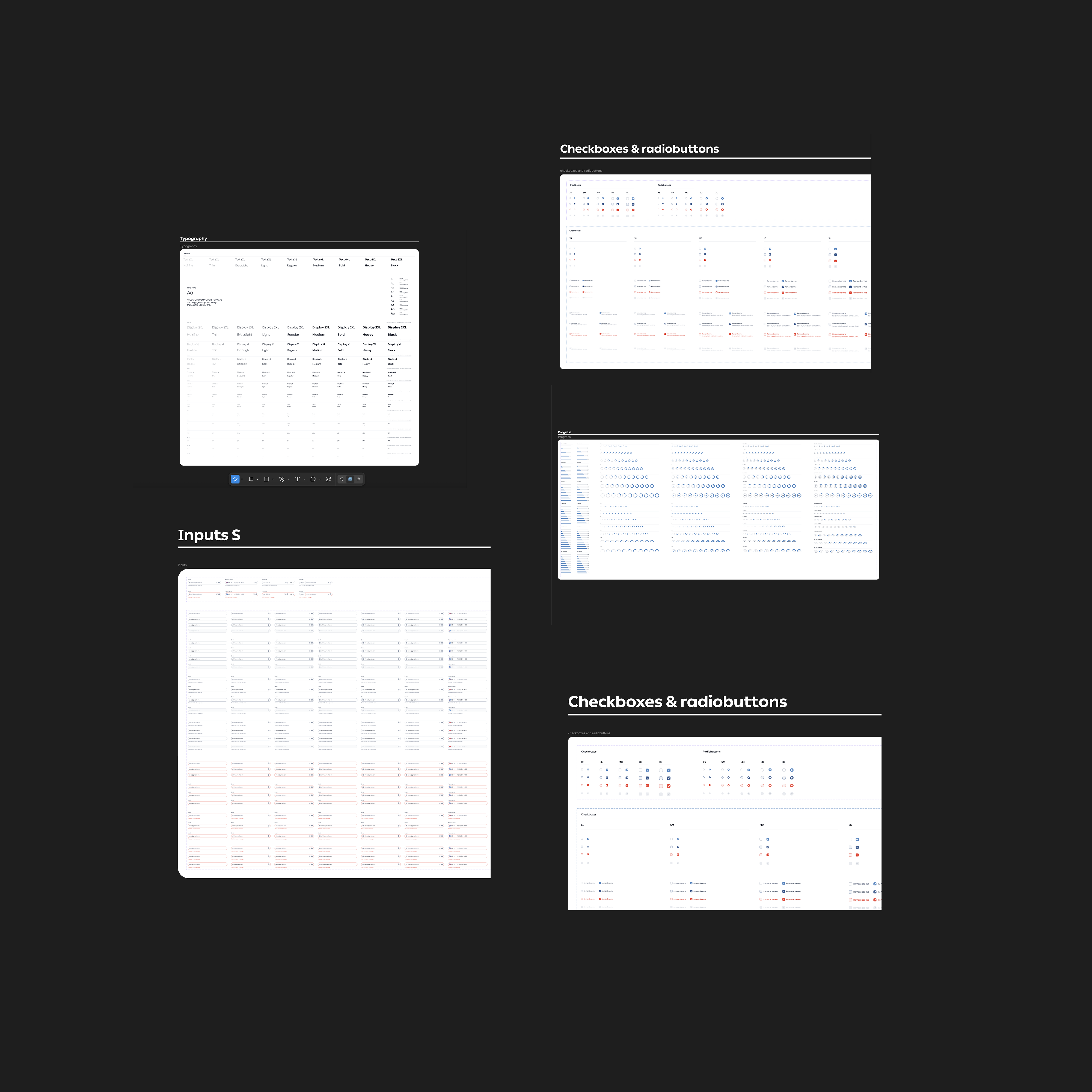
As sole designer, I led discovery, research, architecture, UX strategy, and delivery. Defined the role-based platform architecture. Designed Workshop Designer, Workshop Leader, and the TUMO Design System.
Architecture approved by CEO, CPO, and engineering. Platform designed end-to-end and handed to engineering. Foundation built for 20,000+ students across 7+ campuses.
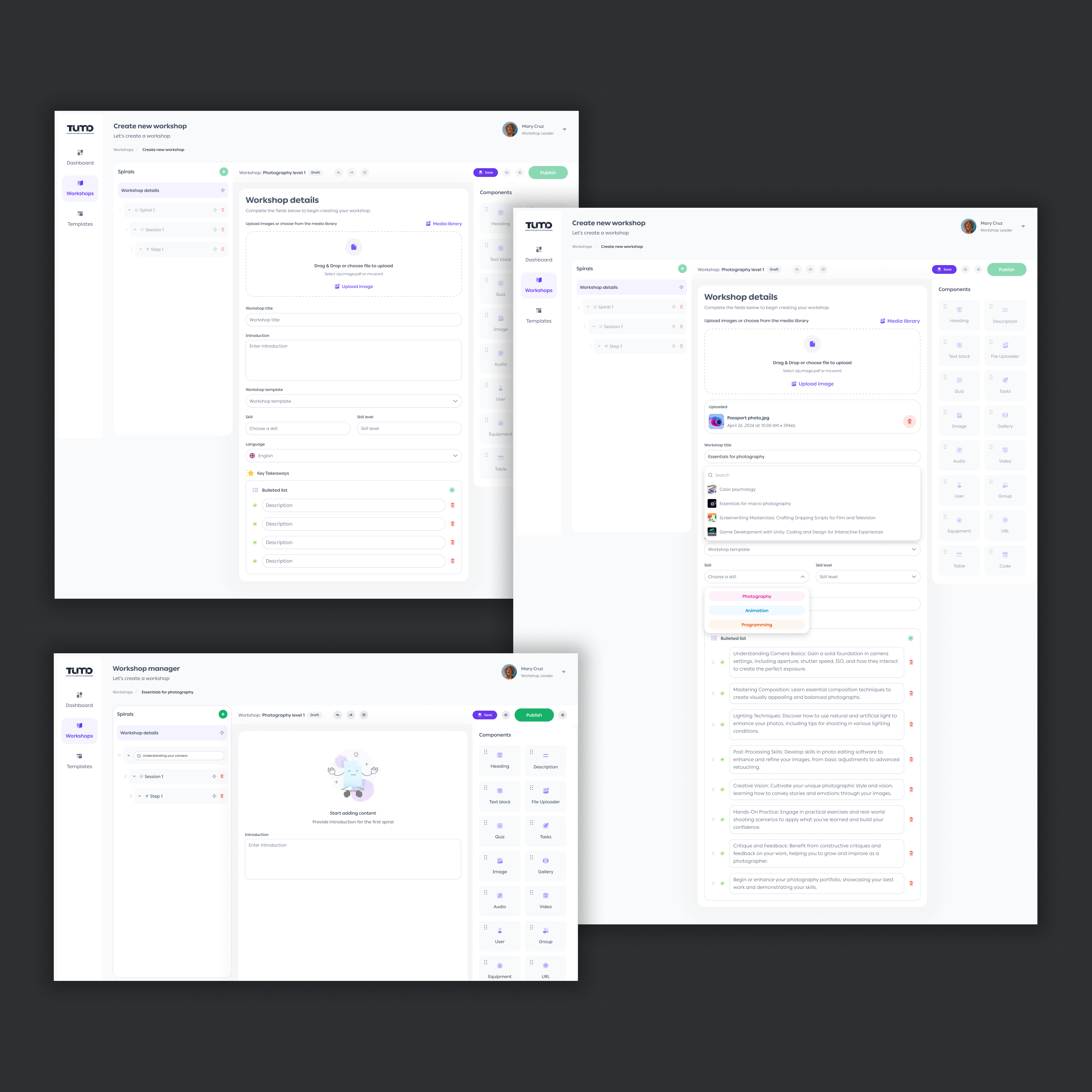
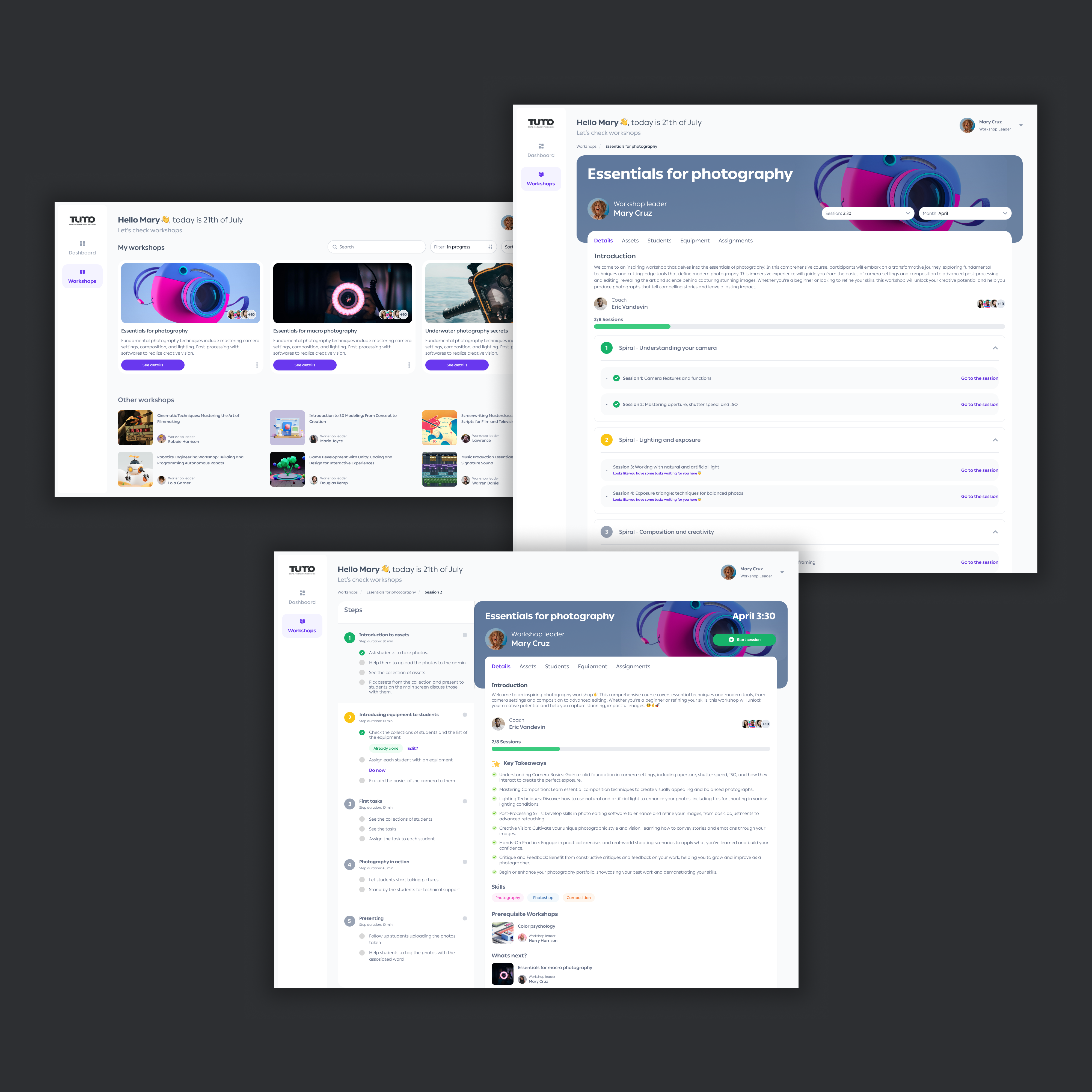
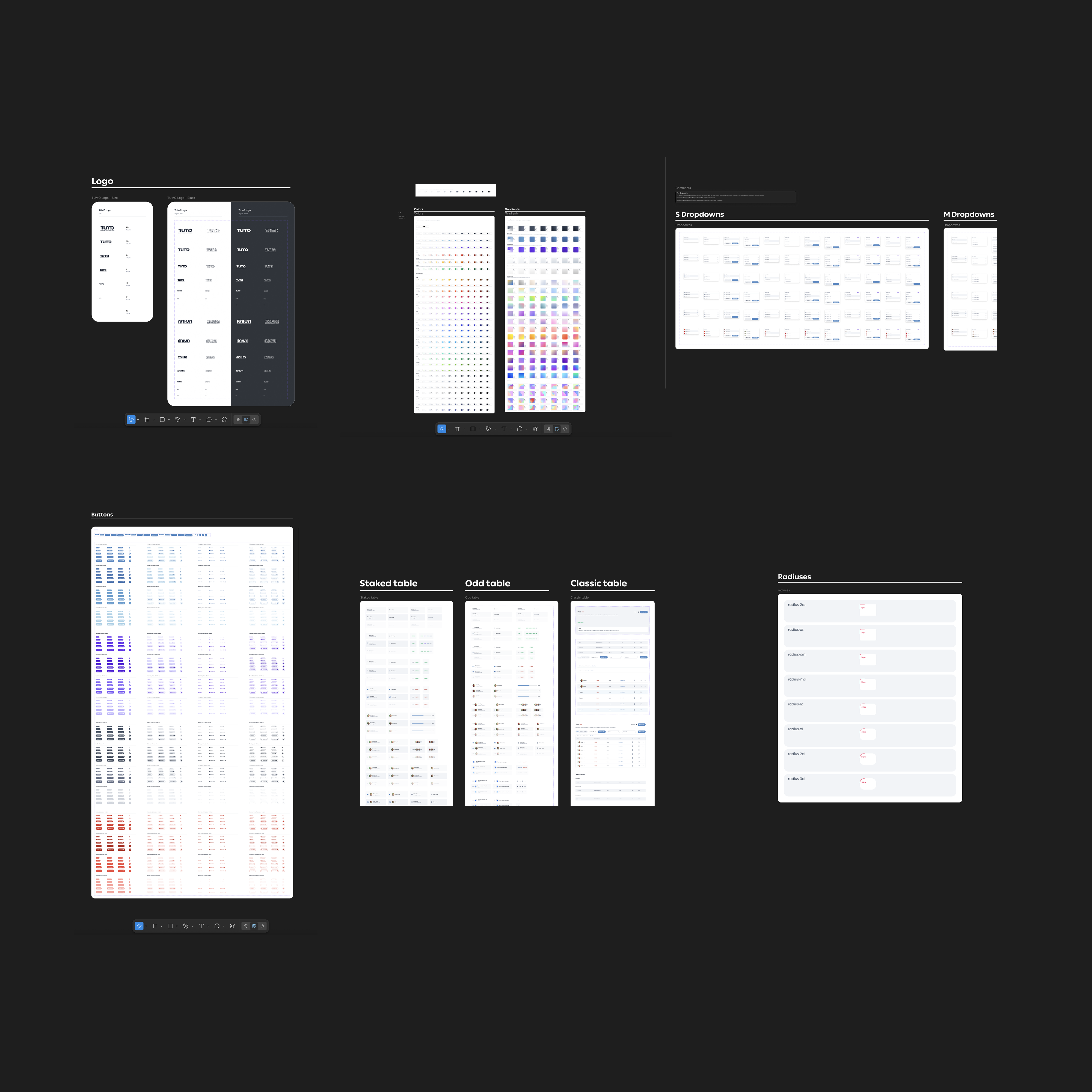
What was delivered
Workshop 2.0 was in active development when I transitioned to Adobe. Outcomes here reflect delivery milestones, stakeholder alignment, and implementation progress. Launch metrics were not yet available.
- ✓Architecture approved by leadership. Role-based separation and the dual-view system were signed off by engineering, the CEO, and the CPO
- ✓Workshop Designer and Leader experiences fully designed and handed off to engineering, validated through stakeholder walkthroughs, interactive prototypes, and workshop leader reviews
- ✓Design system established as shared foundation across Workshop 2.0 and all future TUMO products
- ✓Student experience fully scoped, designed, and documented, ready for Phase 2 engineering
- ✓Engineering implementation initiated. The product was in active development when I transitioned to Adobe
What I was designing, and who I was designing for
Having previously worked at TUMO, I had deep familiarity with the educational model and its operational challenges. As the sole designer on Workshop 2.0, I owned the full product lifecycle.
How I defined success before design began
I proposed six measurable outcomes upfront, before any interface was designed. These became the filter for every decision that followed.
Instructor time recovered
Reduce session setup from 15–30 min to under 5 min per session.
Curriculum consistency
All groups follow an identical, versioned curriculum, with no instructor-to-instructor variation.
Attendance visibility
At-risk students flagged automatically within the session flow.
Centralised materials
Zero reliance on Drive, WhatsApp, or email for file distribution.
Accessible for all
WCAG AA compliance, usable by students with disabilities without workarounds.
Scalable foundation
Architecture supporting student portal, multi-campus rollout, and future products.
The framework behind every decision
Four constraints I used to evaluate options and push back when proposals conflicted with them.
Consistency over flexibility
Every student deserves the same curriculum regardless of instructor. The system enforces this.
Reduce cognitive load during live teaching
If a leader is thinking about the software, the design has failed. Every control had to earn its place.
One source of truth
Content lives in one versioned system. Any instructor, any campus: same materials.
Accessibility by default
WCAG AA was a design constraint from the first component, not an afterthought.
What was actually broken
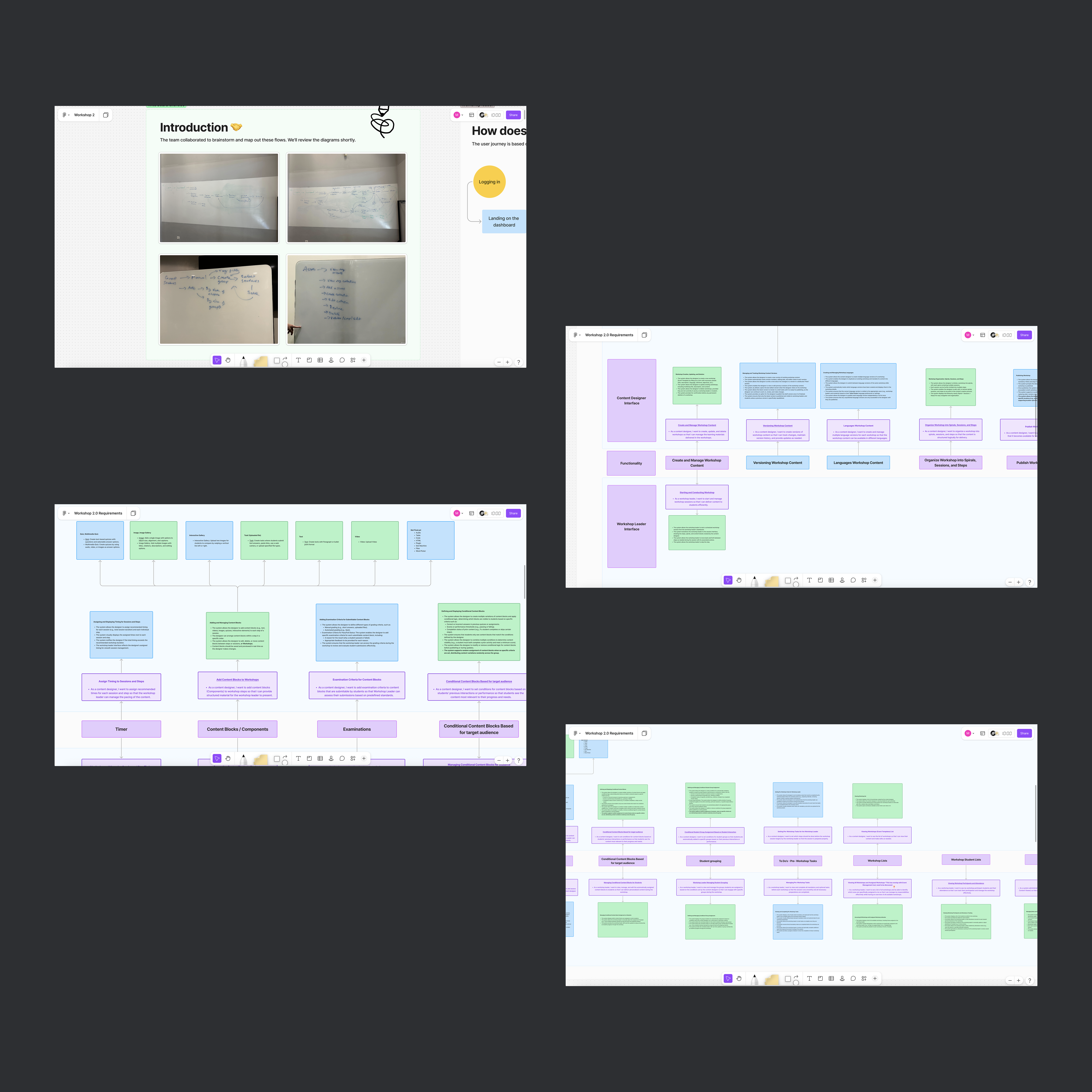
TUMO's students and instructors were one floor below. So I started by going downstairs. I sat in on live sessions, interviewed staff, and mapped how the work actually flowed before I opened Figma.
- 15+ live workshop sessions
- Multiple disciplines
- Across ability levels
- 8–12 workshop leaders
- 3–5 curriculum designers
- 4–6 admin/ops staff
- Workflow mapping
- Journey mapping
- Service blueprinting
- LMS competitive review
10–20 min lost per session on file access
Instructors routinely lost 10–20 minutes resolving file access issues before teaching could begin, up to a third of a 60-minute class.
15–30 min of manual prep per session
Session preparation meant jumping between Google Drive, WhatsApp, personal notes, and attendance sheets. No single tool held everything a leader needed.
Curriculum consistency was unenforceable
With 100+ workshop leaders and no shared content system, the same course ran differently across groups. I treated this as a structural equity failure, not an instructor problem.
Attendance flagging happened too late
Missed sessions weren't tracked reliably. At-risk students slipped through before any intervention was possible.
Accessibility was unaddressed
Third-party file workflows created real barriers for students with disabilities and low digital literacy. For an equitable education program, that was non-negotiable.
Before → After: A Typical Session
- Instructor hunts for session notes in personal files
- Files shared via Drive link in WhatsApp group
- 10–20 min consumed on file troubleshooting
- Attendance on paper, often forgotten
- No record of what other groups covered
- Leader opens session, content pre-loaded by designer
- Materials available in-platform, no third-party tools
- Teaching begins within minutes of session start
- Attendance logged in the session start flow
- All groups follow the same versioned curriculum
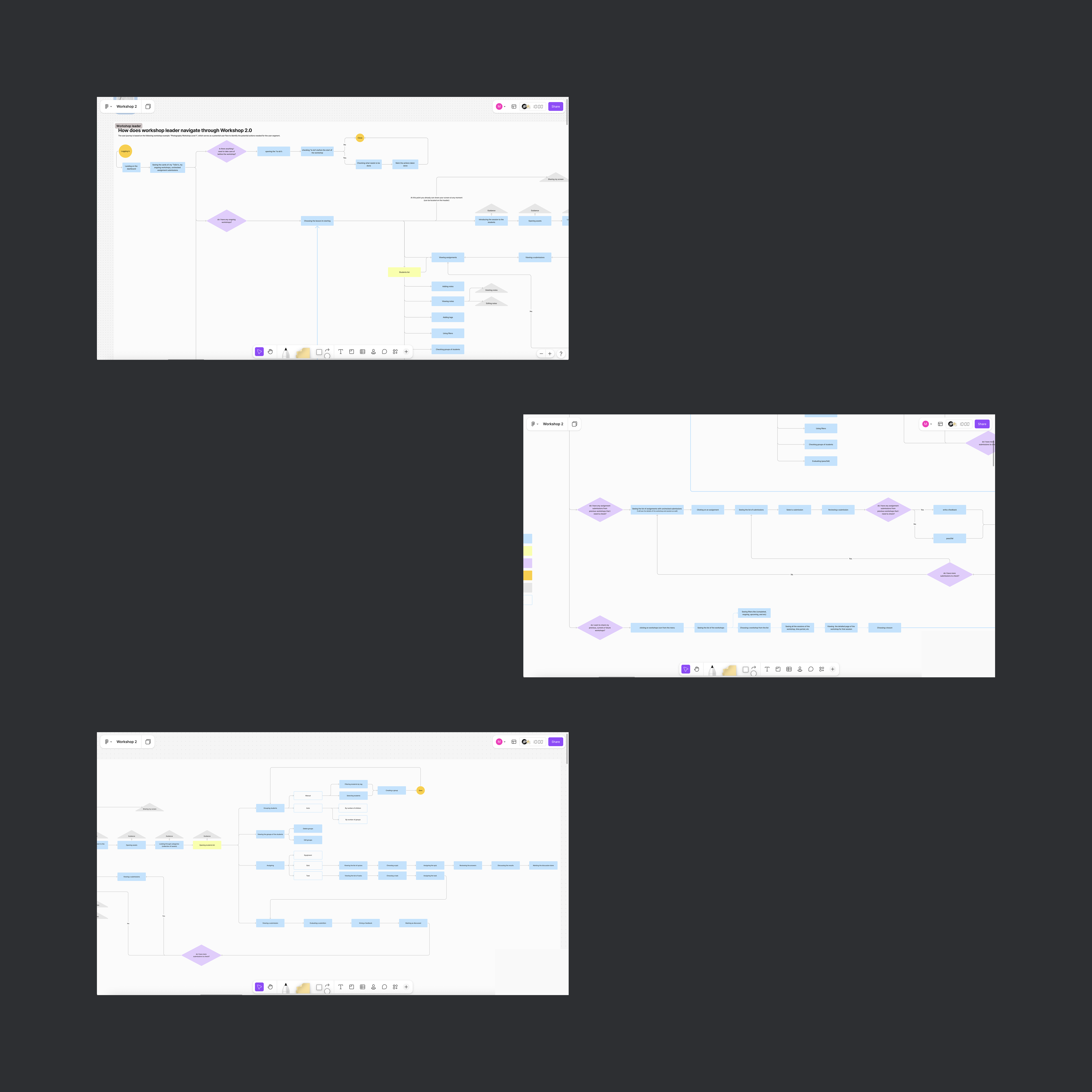
Mapping the system first
One of the first things I did was map how the workshop ecosystem actually worked: who touched what, in what order, and where it broke down. I used this map to align stakeholders and drive the core architecture decisions. Everything that followed, including role separation, dual-view, and milestone sequencing, traced back to what this diagram made visible.